Everything you need to get here.

Look like a Pri- Fast, Secure, & Always Up

Look like a Pri- Fast, Secure, & Always Up
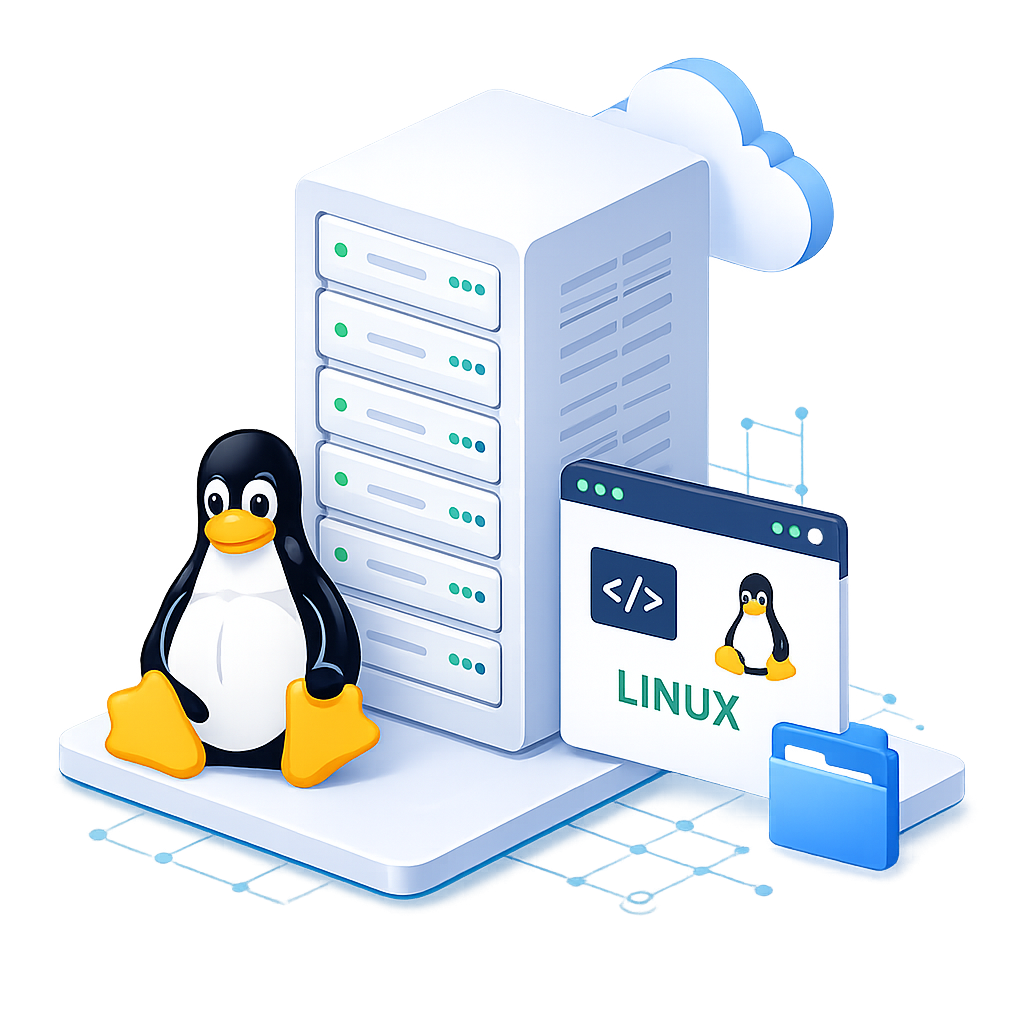
Servers with high performance, high reliability, in any imaginable variety and size
Deploy your VPS instantly with your preferred Linux distribution. All operating systems include full root SSH access and are ready within minutes.
Choice of data center location
USA, Europe, Asia
Availability
99.99%
Full virtualization
SAN storage backup solution
Unlimited traffic
Network connection up to 1 Gbit/s
Network speed
24/7 expert support
Chat, Ticket, Call
1x IPv4 address per server included
Additional IPv4 addresses (optional)
On demand
High-performance data centers
ISO 27001 certified
Firewall management
Backup (optional)
Server snapshot (optional)
Server image
100 GB for $7.20/month (by-the-minute billing)
Images (optional)
100 GB for $7.20/month (by-the-minute billing)
SSH keys
Protección DDoS
KVM console
Linux Standard
Rocky Linux 8, Rocky Linux 9
AlmaLinux 8, AlmaLinux 9
CentOS 7.9
Ubuntu 20.04, 22.04
Windows optional
Windows Server 2019 Standard
Full root access
cPanel and CWP Control Panels
Additional Price
Control panel
Monitoring
Encrypted remote access
Import images (optional)
100 GB for $7.20/month (by-the-minute billing)
Ask more, we are happy to clarify all your doubts
Deploy your Linux VPS instantly with your preferred operating system. Every VPS includes full root SSH access, allowing complete control over software installation, security configuration, and server management.

Enterprise-grade Linux with long-term support.

Reliable replacement for CentOS with enterprise stability.

Ideal for developers, cloud applications, and containers.

Available for legacy applications requiring CentOS compatibility.
SSD VPS Hosting is a Virtual Private Server powered by high-speed Solid State Drives (SSD). It delivers faster data access, lower latency, improved reliability, and better overall performance than traditional HDD-based VPS hosting, making it ideal for websites, applications, and databases.
SSD VPS hosting offers faster website loading, quicker database performance, higher reliability, dedicated resources, and improved application responsiveness. It's an excellent choice for businesses, developers, online stores, and high-traffic websites.
Both use solid-state storage, but NVMe SSD VPS uses the PCIe interface, delivering significantly faster read and write speeds than standard SATA SSDs. NVMe VPS is recommended for high-performance applications and databases.
SSD VPS hosting is suitable for business websites, eCommerce stores, developers, agencies, game servers, ERP software, CRM systems, web applications, and websites requiring consistent performance and reliability.
You can install popular Linux distributions such as Ubuntu, Debian, AlmaLinux, Rocky Linux, and CentOS, as well as Windows Server editions, depending on your VPS plan.
Yes. Linux SSD VPS plans include full root access, while Windows VPS plans provide Administrator access, allowing complete control over software installation, server configuration, and security settings.
Yes. You can upgrade CPU cores, RAM, SSD storage, and bandwidth as your website or application grows. Most upgrades are completed with minimal downtime.
Yes. A VPS can host multiple websites and applications using web servers like Apache or Nginx, provided your allocated resources are sufficient for your workload.
No. You can manage your VPS using SSH or Remote Desktop. However, control panels such as cPanel, Plesk, or DirectAdmin simplify website, email, and database management.
Linux VPS servers are managed via SSH, while Windows VPS servers use Remote Desktop (RDP). Optional control panels provide an easy graphical interface for server administration.
Yes. Each VPS is isolated with dedicated resources. Security can be enhanced using firewalls, automatic updates, strong passwords, antivirus software, backups, and multi-factor authentication.
Absolutely. With full administrative access, you can install web servers, databases, Docker, Node.js, Java, Python, PHP, game servers, ERP systems, CRM software, and any compatible applications.
Regular backups are highly recommended. You can use VPS snapshots, control panel backup tools, or third-party backup solutions to protect your websites, databases, and applications.
Most SSD VPS servers are automatically provisioned within a few minutes after payment confirmation. Login credentials and server details are sent to your registered email address.
A SSD VPS (Solid State Drive Virtual Private Server) is a virtual server that utilizes SSD storage technology, providing faster data access speeds, improved performance, and reduced latency compared to traditional HDD-based VPS solutions.
a SSD VPS is ideal for businesses, e-commerce websites, developers, and anyone needing reliable, fast performance for applications or websites with high traffic and resource demands.
While it's not mandatory, using a control panel like cPanel or Plesk can simplify server management. If you have strong system administration skills, you can manage your VPS via SSH without a control panel.
Common operating systems available include various Linux distributions (like Ubuntu, CentOS, and Debian) and Windows Server versions, depending on the hosting provider.
Yes, you can easily upgrade your VPS resources, such as RAM, storage, and CPU, to meet your growing needs without significant downtime.
You can manage your SSD VPS through a control panel provided by your hosting provider or via SSH/RDP for direct access and server management.
We offer 24/7 technical support through live chat, phone, and ticketing systems to assist with any issues you may encounter.
Typically, there are no setup fees for standard SSD VPS plans. However, customized setups may incur additional costs depending on the complexity.
Exceeding your bandwidth limit may result in additional charges or reduced speed until the next billing cycle. Always check your plan for specific bandwidth policies.
We recommend regular backups using built-in backup solutions, control panel features, or external backup services to ensure your data is safe and recoverable.
Yes, you have full root access to your SSD VPS, allowing you to install and configure any software you need for your applications and services.
Billing cycles can vary based on your preference, with options for monthly, quarterly, semi-annually, and annually to suit your budget and needs.
You can cancel your SSD VPS service through your account dashboard or by contacting our support team. Be sure to review your cancellation policy for any specific terms.









Above all else, we strive deliver outstanding customer experiences When you buy a domain name from.
get started

 contact@mediastroke.com
 Hosting Flash Sale: Starting at $2.59/mo for a limited time
 Sign UP